
About Guest Checkout
Guest Checkout allows you to shop at the UNIQLO Malaysia online store without creating or signing in to a UNIQLO account.
You can place an order as a guest using your email address. A Guest ID will be issued after your order is placed and can be used to access your order details.
Guest Checkout Eligibility
Guest Checkout Guide
Checking Your Order
Important Notes
Frequently Asked Questions
You can use Guest Checkout if:
• You do not have a UNIQLO account;
• You do not wish to create an account; or
• You already have a UNIQLO account but prefer to place the order as a guest while logged out.
An email address that is already registered to a UNIQLO member account can also be used for Guest Checkout.
1. Add your preferred item(s) to your shopping cart.
2. Proceed to Checkout.
3. Select the option to continue as a guest.
4. Enter your email address and the required delivery details.
5. Select an available delivery and payment option.
6. Check your details carefully before placing your order.
7. Complete your order.
A Guest ID will be issued for the guest order. Please keep this Guest ID together with the email address used for the order, as both will be required to access your order information.
Important:
1. Guest Checkout does not use the normal email-verification process. Please check that your email address is correct before placing your order.
2. Order details cannot be changed after an order has been placed.
You can access your guest order using:
• The email address used when placing the order, and
• Your Guest ID.
Your Guest ID can be found in your order-related email.
• Guest ID: Please keep your Guest ID for future reference. If you are unable to locate it, select “Forgot your Guest ID?” on the Guest Login page and enter the email address used for your order. Your Guest ID will be sent to the email address if a matching guest order is found.
• Coupons: Member promotional coupons cannot be used with Guest Checkout. To use an eligible member coupon, please sign in to or create a UNIQLO account before checkout.
• Returns & Exchanges: Guest Checkout orders are eligible for return or exchange, subject to the UNIQLO Malaysia Return & Exchange Policy. To proceed with a return or exchange, please log in to your guest order using the email address and Guest ID associated with your order. Refer to this link for more information.
1. I did not receive my order confirmation email. Did my order go through?
If your order appears in Order Details or Order History, your order was successfully placed.
Log in with the email address used when placing the order and your Guest ID to check your order status.
2. I don't know my Guest ID. What should I do?
Your Guest ID is included in your order-related email.
If you cannot find your Guest ID, select “Forgot your Guest ID?” on the Guest Login page and follow the instructions.
3. Can I change or cancel my order?
Once your order has been placed, you cannot change the order details, including the items or delivery method.
If you need to make changes, you can cancel the order if it is eligible for cancellation, then place a new order. Guest customers can access their order using their Guest ID and the email address used when placing the order.
4. Can I use my member coupon during Guest Checkout?
No. Member promotional coupons cannot be used during Guest Checkout.
To use a member promotional coupon, log in to your UNIQLO account or create an account before applying the coupon.
5. Do I need to become a UNIQLO member to shop online?
No. You can use Guest Checkout to place an eligible online order without creating a UNIQLO member account.
 Suggestion Box
Feedback Submitted
Thank you for your feedback.
We value your opinion and we aim to make our customers happy.
Rest assured, we will use this information to improve our products and services.
Contact UNIQLO Malaysia
 CHAT SUPPORT
Monday - Sunday: 9am - 6pm
(Including Public Holidays)
Monday - Sunday: 9am - 6pm
(Including Public Holidays)
Suggestion Box
• We do not respond to the suggestions posted in this Suggestion Box but we can help you with your concern through our Customer Center Hotline, Chat Support, or Webform.
Other Service Available
App Benefits
Download the app now to get a RM15* Welcome Coupon. Enjoy the great benefits we offer whether you are shopping in-store or online.
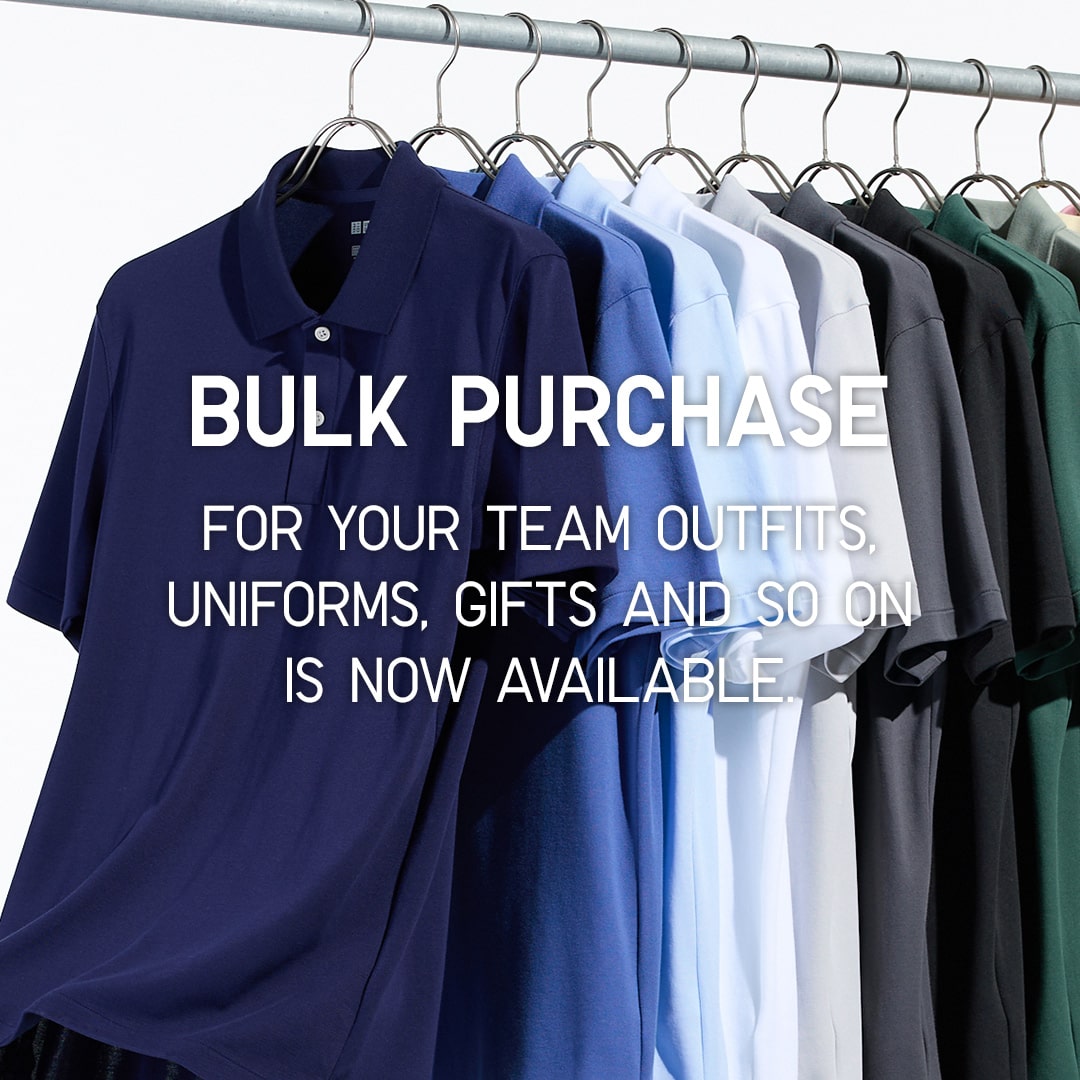
Bulk Purchase
UNIQLO LifeWear as your new uniform. This is a special online service for customers who wish to order LifeWear in bulk for uniforms, events, gifts and more!
First Time Shopping in UNIQLO?
Get started with RM15* off coupon when you download the UNIQLO app. Shop seamlessly online or in-store for latest products. Take advantages of the services we offer such as Extra Sizes, Product Search, Click&Collect or Alteration for bottoms. Find out more. *Valid for first time download user only. T&C apply.
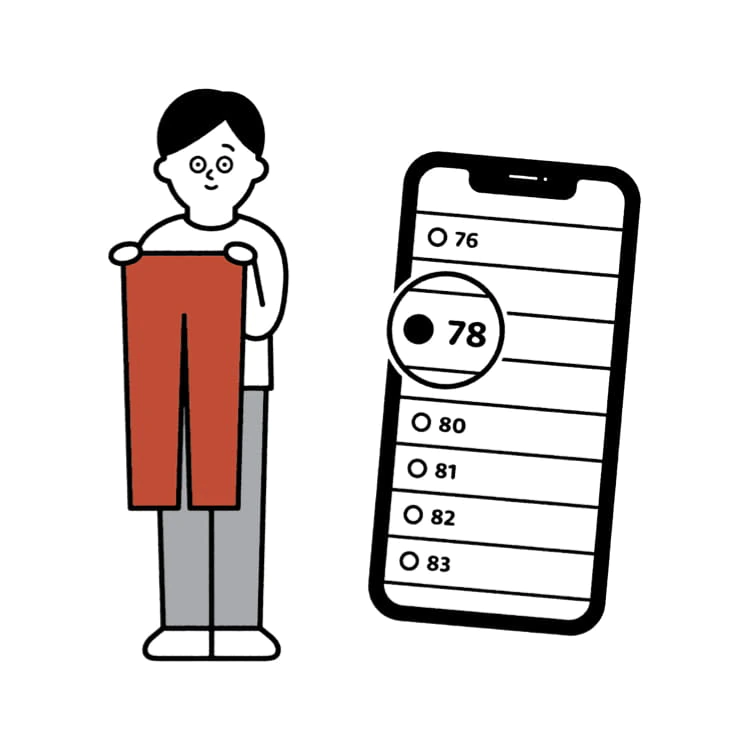
Online Alteration Service
You can now alter your favourite pants online, and get them delivered to your doorsteps. No muss, no fuss.