
About Password Setting & Resetting
How to Reset Password
Frequently Asked Questions
Please set your password that fulfill the following requirements:
1. Between 8 - 20 characters
2. Must contain a combination of both numbers and alphabet letters
3. Special characters can be used: !"#$%&'()*+,-./:;<=>?@[]^_`{}|~
*If we detected a possibility of unauthorized access, we may reset your password to protect our customers.
⚠️Security Note: Please keep the following points to ensure safe and secure when setting your password
• Please avoid using a password that same from other services/ platforms.
• Please avoid using a password that can be easily guessed by third party.
Please follow the steps below to reset your password.
*Due to personal data and security reason, our Customer Center cannot view, edit or reset password on behalf. We appreciate our customer may reset their password themselves.
【Password Reset Procedure】
2) Fill in your registered email address and click [SUBMIT].
3) You will receive an email from system with your personal reset password link within an hour.
4) Open the link and change your password.
1. I try to reset password but failed. System error showing as "Information provided doesn’t match our records. Please check the spelling and try again"?
This error occurs when the system cannot find an active online membership matching that exact email address. Please check the following:
- Typing Errors: Ensure there are no accidental spaces before or after your email address, and double-check the domain spelling (e.g., @gmail.com vs @gamil.com).
- App Downloads vs. Account Registration: Simply downloading the UNIQLO App does not automatically create an online membership account. If you have never explicitly registered your details online, please click [here] to register a new online membership.
- Check Old Emails: Try searching your email inboxes for past UNIQLO order confirmations or your original registration email to verify which address you used.
2. Why didn't I receive my password reset email?
- Check Account Accuracy: Make sure the email you submitted on the reset page exactly matches your actual registered UNIQLO account.
- Email Firewall/Filters: If you are using a corporate or school email address, internal security firewalls may block external automated links. We highly recommend registering with a personal email address (like Gmail, Yahoo, or Outlook).
- Link Ordering: If you clicked "Submit" multiple times, only the most recent email link will work. Delete all previous reset emails and wait for the final one to arrive.
*Please note that the reset link expires after 2 hours. If it has expired, you will need to request a new link.
 Suggestion Box
Feedback Submitted
Thank you for your feedback.
We value your opinion and we aim to make our customers happy.
Rest assured, we will use this information to improve our products and services.
Contact UNIQLO Malaysia
 CHAT SUPPORT
Monday - Sunday: 9am - 6pm
(Including Public Holidays)
Monday - Sunday: 9am - 6pm
(Including Public Holidays)
Suggestion Box
• We do not respond to the suggestions posted in this Suggestion Box but we can help you with your concern through our Customer Center Hotline, Chat Support, or Webform.
Other Service Available
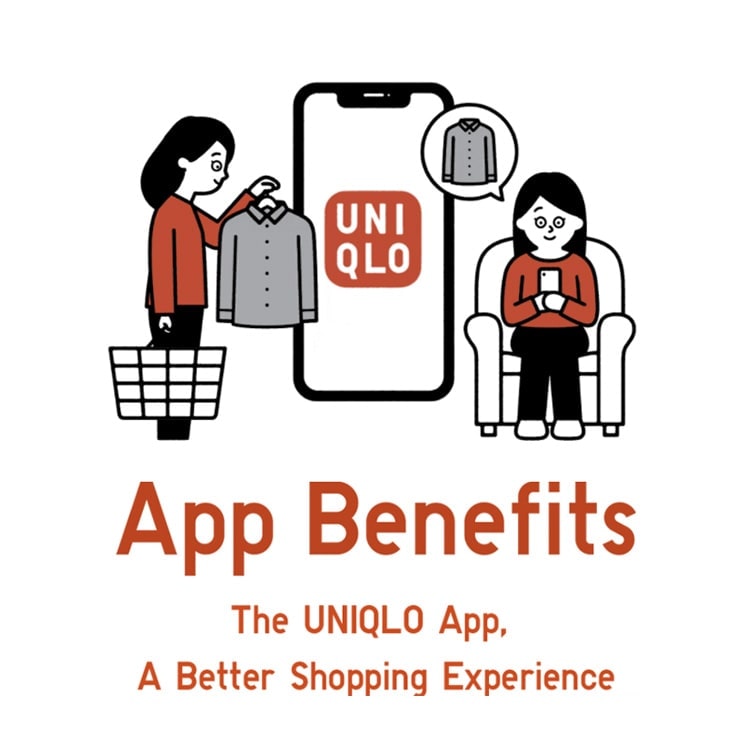
App Benefits
Download the app now to get a RM15* Welcome Coupon. Enjoy the great benefits we offer whether you are shopping in-store or online.
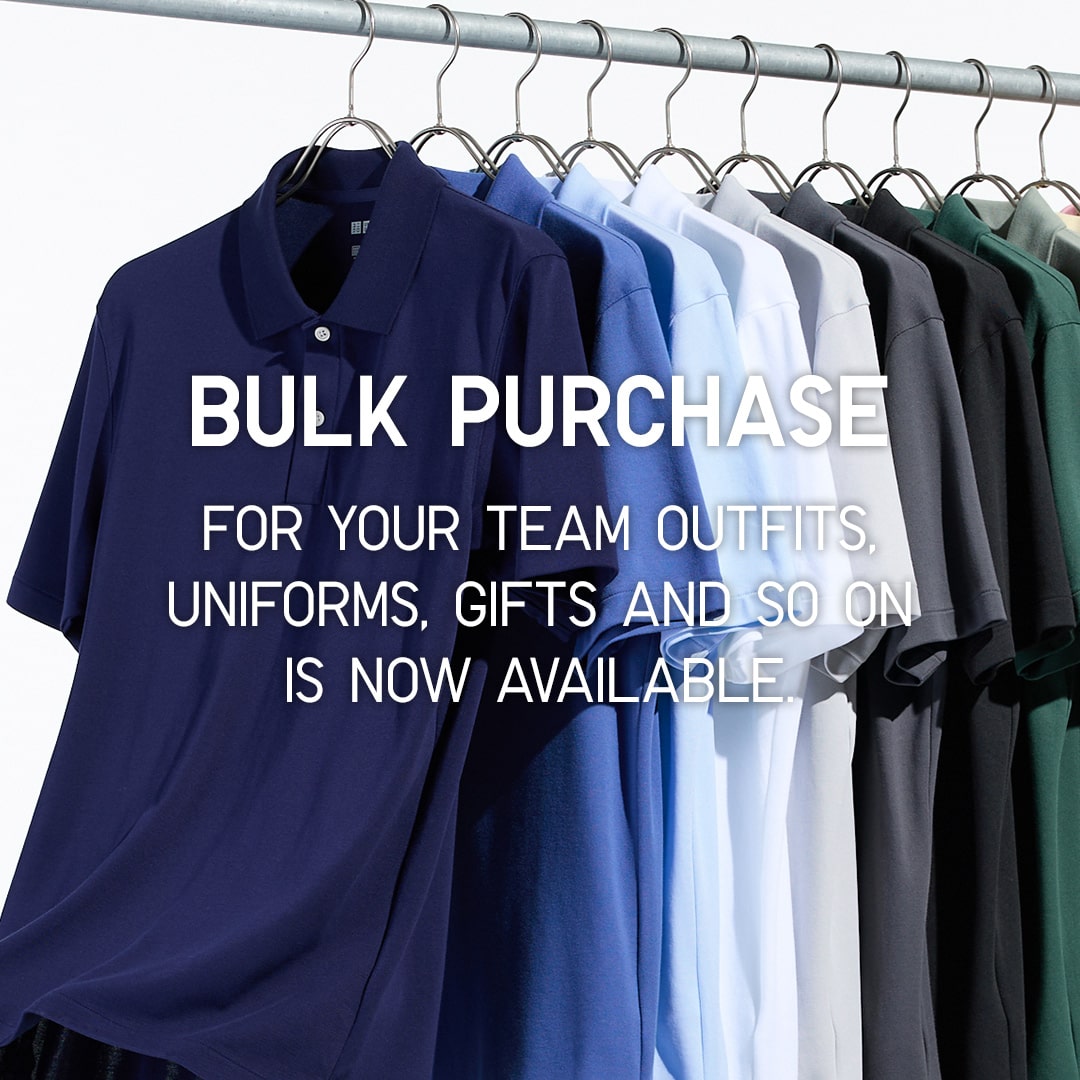
Bulk Purchase
UNIQLO LifeWear as your new uniform. This is a special online service for customers who wish to order LifeWear in bulk for uniforms, events, gifts and more!
First Time Shopping in UNIQLO?
Get started with RM15* off coupon when you download the UNIQLO app. Shop seamlessly online or in-store for latest products. Take advantages of the services we offer such as Extra Sizes, Product Search, Click&Collect or Alteration for bottoms. Find out more. *Valid for first time download user only. T&C apply.
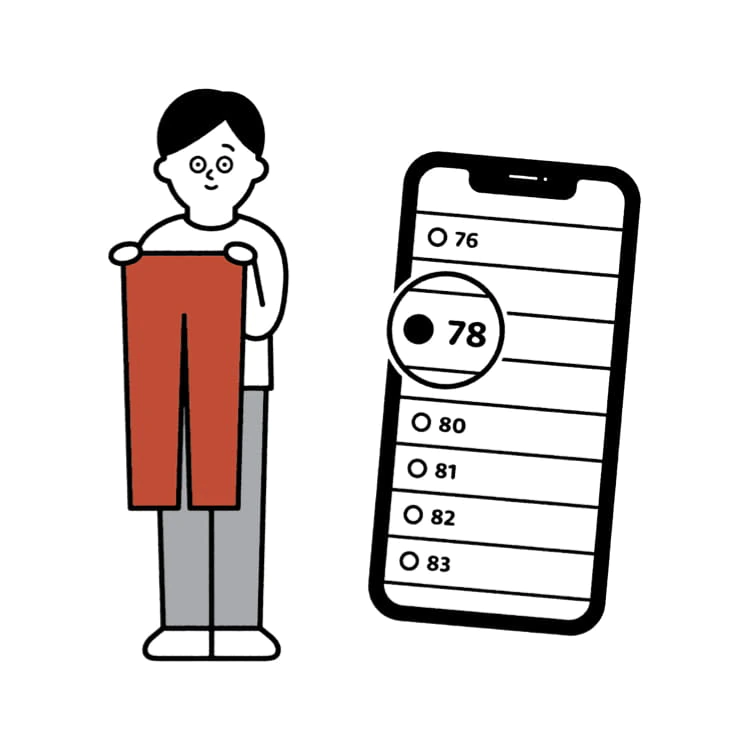
Online Alteration Service
You can now alter your favourite pants online, and get them delivered to your doorsteps. No muss, no fuss.