
About Online Purchases: How to Return
Return Fees
Refund Details
Frequently Asked Questions
*Please review the [Return & Exchange Conditions] (here) before proceeding with each procedures.
Fill in the Return Form on UNIQLO APP/Website by selecting the item you wish to return and reason. Then send back the product(s) together with the Return Slip.
Once the warehouse confirms your returned product(s), we will process your refund.
STEP 1. Check the return policy and submit the return form on UNIQLO APP/web
Click here for the steps to submit the return form on UNIQLO APP/Web:
1) Go to 【Purchase History】 on 【Online】 section.
2) Click 【Return】on the ORDER number which contains the product that you want to return.
3) Check the return condition.
4) Click 【Return】 on the PRODUCT that you want to return.
5) Choose the quantity and reason for return, then click 【Check selection details】
6) Repeat steps 3-5 for each item you want to return.
7) Click 【Check Form Details】 and then click 【Submit Form】
8) You can get the Return Slip by clicking 【Print Label】 to download and print it or handwrite the details on a white piece of paper.
9) Click 【Confirm Return】
10) Once the request has successfully submitted, you will get the Return Confirmation Email.
STEP 2. Pack the return slip and products, and send back to our Warehouse
• You may use the original box or any sturdy box/bag to pack.
• You may use any trackable courier to return the item to our warehouse, excluding personal riders(Grab, Lalamove or personal)
• Please pack all required product(s), return slip (print or handwritten) and send to the address below.
Warehouse Address:
Recipient/Sent to: UNIQLO EC Return
Address: Nippon Express Malaysia Warehouse, Lot 72, Persiaran Jubli Perak, Seksyen 22, 40300, Shah Alam, Selangor Darul Ehsan, Malaysia.
Contact: 03-84081123
Operation Hours: 9am - 6pm
STEP 3. Wait for Refund Confirmation Email
Confirmation emails for refunds will be sent within a maximum of 2 (two) working days after our warehouse has received and verified the returned product.
Please note that working days exclude weekends and Malaysian public holidays, which may extend the processing timeline.
【Important Note】
• If the Return Form on APP/Web is not submitted, return cannot be accepted.
• Return without a Return Slip (Return Application Number & Certification Number) cannot be accepted.
• Courier charges will NOT be covered by UNIQLO Malaysia.
• There is no email confirmation when the product arrives at warehouse.
• UNIQLO Malaysia will not be liable for any loss or damage your return package and/or product(s) handled by courier company of your choice.
• Please note that in person returns to our warehouse are NOT accepted.
We do not charge any additional fees when handling your return.
However, you are required to bear the shipping cost if returning your online purchase to our warehouse.
Once we have received your returned product(s) at the warehouse, you will receive an automated email notification when we have processed the return.
We may get in touch with you for some questions or gather additional information before processing your refund, if necessary.
The refund amount will be credited within 7-14 working days from the date you receive the email mentioned.
Click (here) for more details about refund method and timeline.
-
1. Can I return my online purchases at the physical store?
We cannot process refunds for online purchases in our physical stores. Please send your item back to our warehouse via postage for a full refund.
All returned items must meet the conditions stated in our Return Policy. Refer (here) to learn more. -
2. What happens to my refund if I used a coupon?
Should your original purchases used a coupon discount, the refund amount may be deducted the coupon discount amount, and the coupon will not be reissued.
Please click (here) for more details. -
3. Can I exchange online exclusive product at the store?
The exchange service is subjected to our UNIQLO physical store availability of colours and sizes.
Where a colour and/or size is not available at the store you are making the exchange, stock transfer between online store to physical stores will not be arranged.
Please consider returning the item for refund and place a new online order. -
4. How can I reprint the return slip or check the Return Application/ Certification Number?
You may view your past return records once under 【Purchase History】 and reprint the return slip with below steps:
1. Go to 【Purchase History】 and locate your online order.
2. Click 【Return】
3. Select 【Return Details】
4. Click 【Download】 to preview and print your return slip.
 Suggestion Box
Feedback Submitted
Thank you for your feedback.
We value your opinion and we aim to make our customers happy.
Rest assured, we will use this information to improve our products and services.
Contact UNIQLO Malaysia
 CHAT SUPPORT
Monday - Sunday: 9am - 6pm
(Including Public Holidays)
Monday - Sunday: 9am - 6pm
(Including Public Holidays)
Suggestion Box
• We do not respond to the suggestions posted in this Suggestion Box but we can help you with your concern through our Customer Center Hotline, Chat Support, or Webform.
Other Service Available

App Benefits
Download the app now to get a RM15* Welcome Coupon. Enjoy the great benefits we offer whether you are shopping in-store or online.
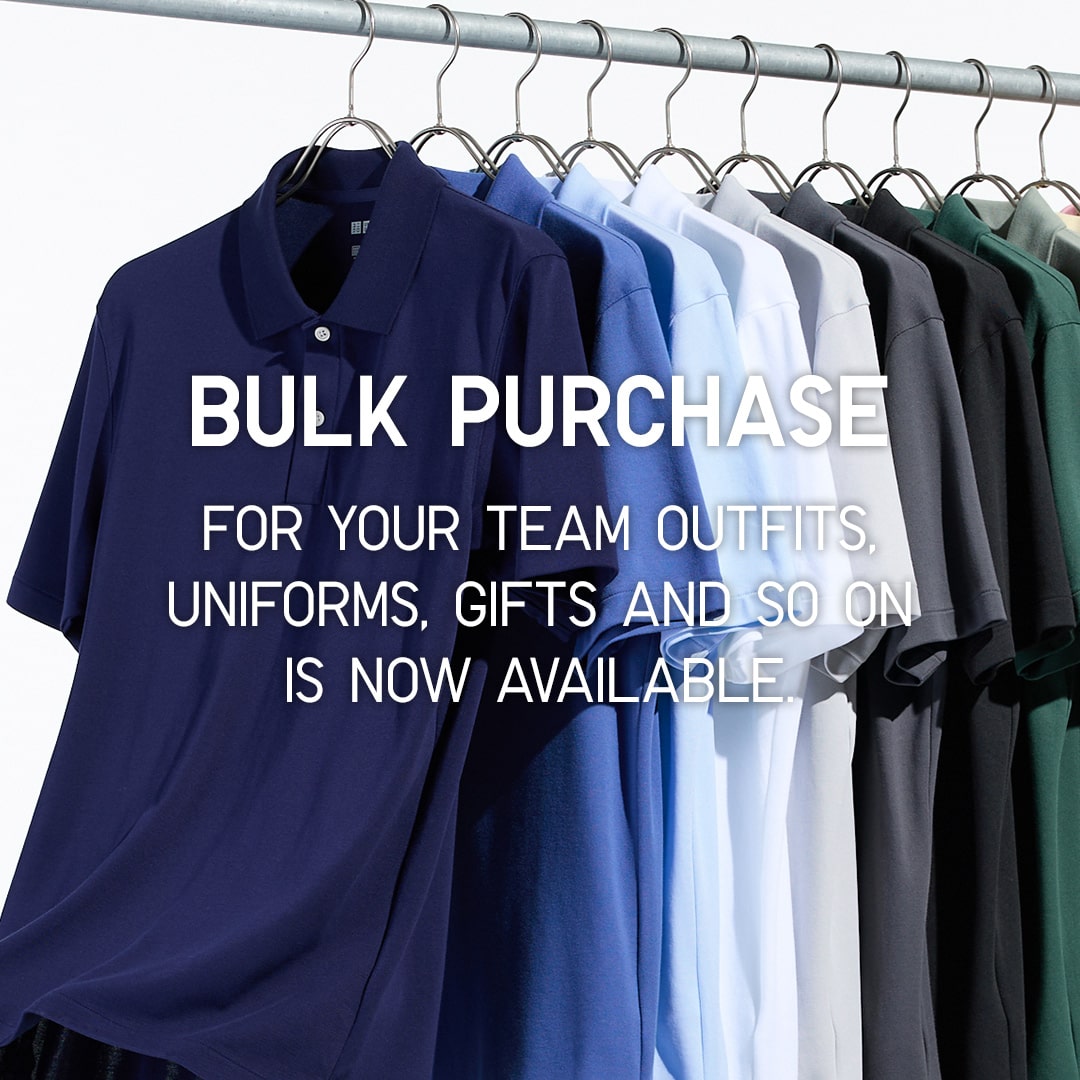
Bulk Purchase
UNIQLO LifeWear as your new uniform. This is a special online service for customers who wish to order LifeWear in bulk for uniforms, events, gifts and more!
First Time Shopping in UNIQLO?
Get started with RM15* off coupon when you download the UNIQLO app. Shop seamlessly online or in-store for latest products. Take advantages of the services we offer such as Extra Sizes, Product Search, Click&Collect or Alteration for bottoms. Find out more. *Valid for first time download user only. T&C apply.
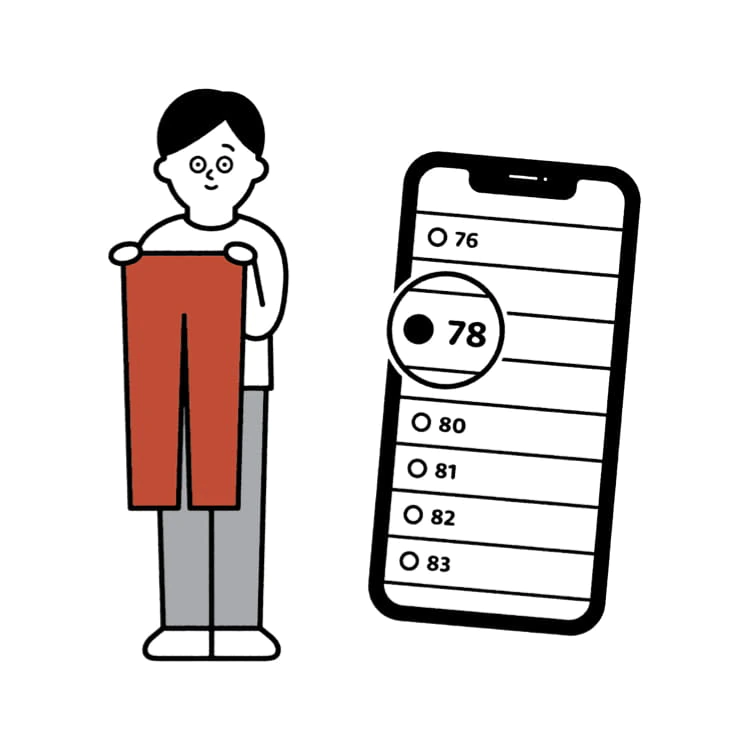
Online Alteration Service
You can now alter your favourite pants online, and get them delivered to your doorsteps. No muss, no fuss.