
About Login Online Account with UNIQLO APP
1. Open the UNIQLO APP
2. Click the membership profile icon (bottom right)
3. Select 【Profile】
4. Tap 【Login】
5. Enter your registered email and password
6. If you do not have an online account, you may choose 【Create an Account】
• Your account will be automatically logged out if inactive for 120 days
• You can log in to your account on multiple devices at the same time
• Your account is linked to your email address, not your device
1. Will I be logged out from my main phone if I log in on another device?
Your account will only be logged out automatically after 120 days of inactivity.
2. Where can I find my UNIQLO APP membership ID / barcode?
• Go to the membership profile section
• Your barcode will be displayed on the screen .
(Example)
3. Can I get back the same UNIQLO APP membership ID if I change to a new phone?
Should you have any concerns with your old account, please contact our customer care team via 【Chat Support】 button (bottom page) or email (here) for further assistance.
 Suggestion Box
Feedback Submitted
Thank you for your feedback.
We value your opinion and we aim to make our customers happy.
Rest assured, we will use this information to improve our products and services.
Contact UNIQLO Malaysia
 CHAT SUPPORT
Monday - Sunday: 9am - 6pm
(Including Public Holidays)
Monday - Sunday: 9am - 6pm
(Including Public Holidays)
Suggestion Box
• We do not respond to the suggestions posted in this Suggestion Box but we can help you with your concern through our Customer Center Hotline, Chat Support, or Webform.
Other Service Available
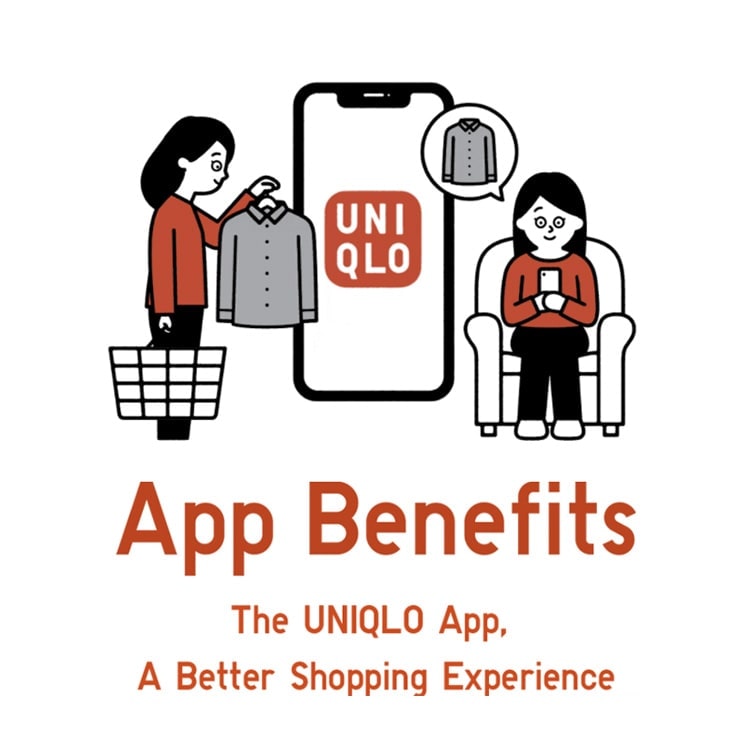
App Benefits
Download the app now to get a RM15* Welcome Coupon. Enjoy the great benefits we offer whether you are shopping in-store or online.
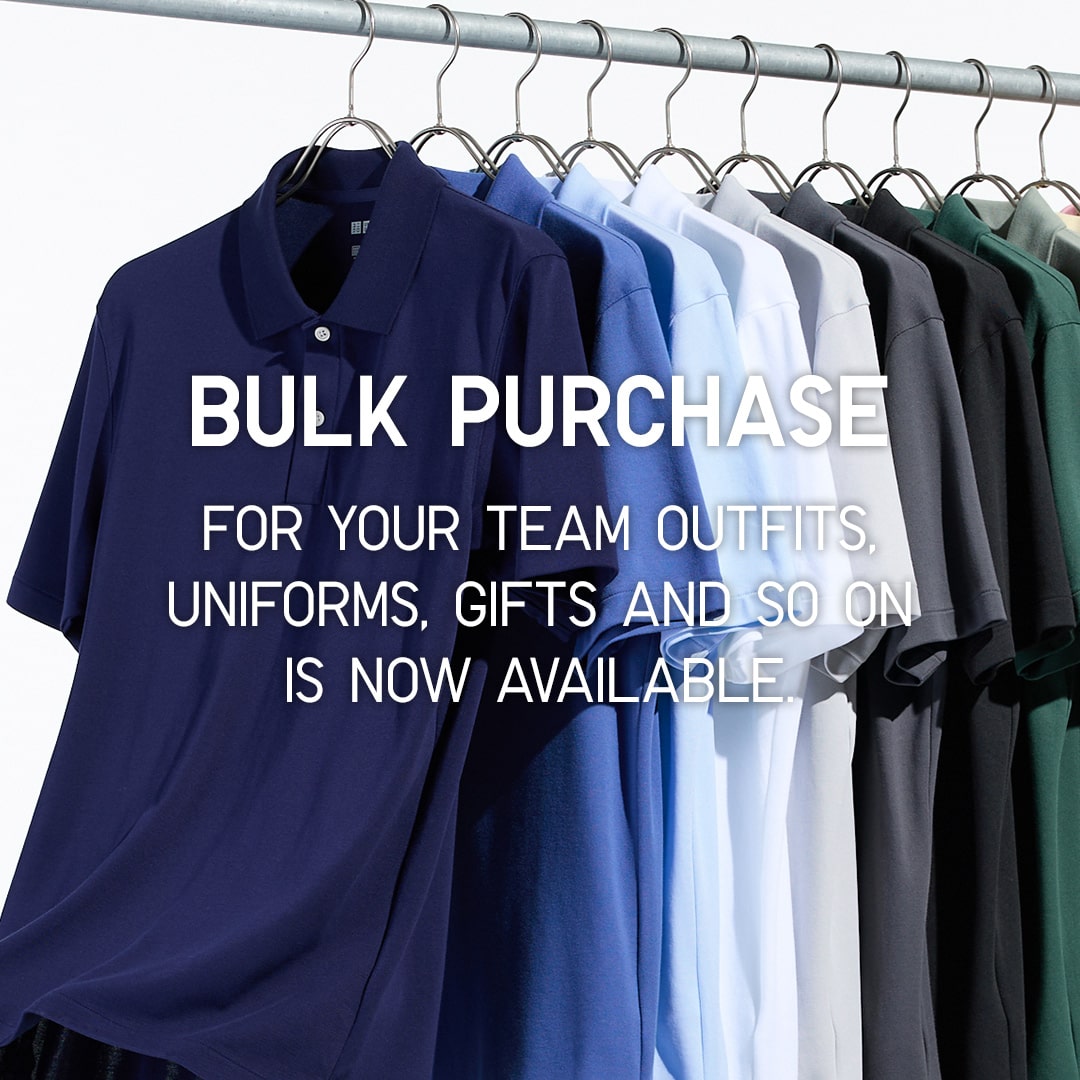
Bulk Purchase
UNIQLO LifeWear as your new uniform. This is a special online service for customers who wish to order LifeWear in bulk for uniforms, events, gifts and more!
First Time Shopping in UNIQLO?
Get started with RM15* off coupon when you download the UNIQLO app. Shop seamlessly online or in-store for latest products. Take advantages of the services we offer such as Extra Sizes, Product Search, Click&Collect or Alteration for bottoms. Find out more. *Valid for first time download user only. T&C apply.
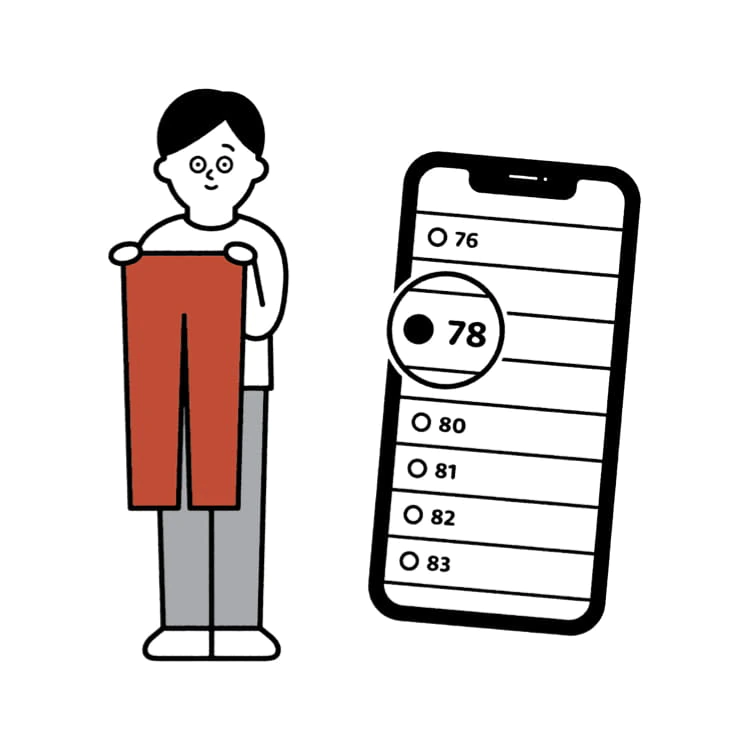
Online Alteration Service
You can now alter your favourite pants online, and get them delivered to your doorsteps. No muss, no fuss.