
About Click & Collect
Charges & Delivery Lead Time
How to Collect & Collection Period
Frequently Asked Questions
1. Choose 【Click & Collect】 in 【Delivery Option】
2. Find your preferred store in store locator by postal code or city name
3. Click 【SELECT】 once located the store and click 【PICK UP IN THIS STORE】
4. Proceed to payment option and checkout
Enjoy FREE shipping with no minimum spend when you place your online order using Click & Collect.
【Important Note】
• Click & Collect orders are shipped from various locations and deliver to the store for your collection.
• Some products may require additional delivery time due to alterations or stock availability.
• Working days: Monday to Friday, exclude Public Holidays and weekends.
When your order is ready for collection, you will receive a notification via the UNIQLO APP and/or email. The email will indicate where to collect your order, either from the Click & Collect counter or the in-store locker.
Click & Collect Counter Pick Up
To collect your order, please present either of the following at the Click & Collect counter:
1. Your UNIQLO APP Membership ID; or
2. Your order number
In-store Locker Pick Up (Currently available at UNIQLO One Utama only)
Follow these steps to collect your order from the in-store locker:
1. Select "Pickup by Membership ID" or "Pickup by Order Number" on the locker screen.
2. Scan your UNIQLO APP Membership ID or enter the last 7 digits of your order number.
3. Select the order(s) you wish to collect.
4. The locker door will open automatically.
5. Collect your order and close the locker door after collection.
1. Can I choose between In-store Locker and Click & Collect service counter collection?
Only available at One Utama store - Yes. At cart page, you can choose whether to collect your order from the In-Store Pickup Locker or the Click & Collect counter.
By clicking on Locker Preference at cart page, you can select easy-reach pickup option to opt for a lower height drawer storage.
Note: If your parcel exceeds the locker size limitations, it will automatically be assigned to the Click & Collect counter, regardless of the collection method selected during checkout. .
2. What are the operating hours of the in-store locker?
The in-store locker is available during the store's operating hours. Please refer to this link for the latest opening hours.
3. I placed multiple orders. Can I collect only the order(s) that I want? to re
Yes. You may collect the specific order(s) that are ready for collection. Please refer to the collection notification email and follow the instructions for each order.
Only orders assigned to the in-store locker will be displayed on the locker screen
4. What should I do if I cannot access the locker or encounter an error?
Please approach our UNIQLO staff member and provide your order number for assistance.
Your order will be held for 14 days from the date it arrives at the selected store.
Note:
• Uncollected orders will be automatically cancelled.
• Refunds will be processed to the original payment method.
• Refund processing may take 7–14 working days.
1. How can I order to collect in the store if UNIQLO APP 【Store Inventory Status】 showing as 【✖ NOT available】?
As long you are able to select the product size/ colour & add it to your shopping cart, you can checkout and choose any store to place your 【Click & Collect】 order.
The UNIQLO APP【Store Inventory Status】 is only used to display the stock at our stores, while our 【Click & Collect】 orders are dispatched from various locations & deliver to our stores for your collection.
2. Can I change my pickup location?
We cannot change your store pickup location after order confirmed.
However, you may cancel the online order within 30 mins after the order confirmed and place a new online order.
3. How to check my order delivery status?
UNIQLO APP
1. Launch the UNIQLO APP.
2. Click membership profile icon (bottom right).
3. Click the 【ORDER HISTORY]】.
4. Log in your UNIQLO online account.
Website
1. Click membership profile icon (bottom right).
2. Log in your UNIQLO online account .
3. Click 【Order history】 on the left menu.
4. Can my family/ friends to collect my parcel on behalf?
Yes, your family or friends can collect your Click & Collect parcel on your behalf.
Please share your pickup notification email QR code/ UNIQLO APP membership ID/ Order Number(Last 7 digits) with your family/ friends. They are required to present the information to our staff in UNIQLO store when collecting the parcel.
5. What will happen if exceed the collection period (14 days) for Click & Collect?
Your order will be cancelled and refund without contact from UNIQLO. The refund may take up to 7 -14 working days upon receiving the refund confirmation email.
6. Can I request one of my collect item to be prepared in two different sizes? I would like to try first and keep the size that fits me best.
We regret to inform you that we do not provide the service of preparing additional items for trying. Your order will only be prepared based on the items you chose during checkout.
You may consider return or exchange if the sizing too small/ big.
7. After I collect my Click & Collect order, can I return an item immediately at the store?
Please note that our physical store unable to proceed your refund if the order was paid via 【Online Payment】.
Kindly follow the return method below depending on the payment method that you opted for your online purchase (Website / App).
● Refund for 【Online Payment】 Purchase: Click here
● Refund for 【Pay in Store】 Online Purchase: Click here.
8. What should I do if I deleted/ didn't receive the email (QR code) for parcel collection?
Please show your UNIQLO APP membership ID at the cashier counter and present your Order History should your parcel status updated as 【Ready for pickup】.
Our team will allow for the parcel collection by scanning your UNIQLO APP membership ID or using your Order Number(Last 7 digits).
9. What’s the difference between ORDER & PICK and Click & Collect?
ORDER & PICK lets you purchase online and pick up at your preferred store within 2 hours.
Click & Collect involves ordering online with items shipped from multiple locations to store for collection, typically arriving in 2-5 days, depending on your region(East or West Malaysia).
 Suggestion Box
Feedback Submitted
Thank you for your feedback.
We value your opinion and we aim to make our customers happy.
Rest assured, we will use this information to improve our products and services.
Contact UNIQLO Malaysia
 CHAT SUPPORT
Monday - Sunday: 9am - 6pm
(Including Public Holidays)
Monday - Sunday: 9am - 6pm
(Including Public Holidays)
Suggestion Box
• We do not respond to the suggestions posted in this Suggestion Box but we can help you with your concern through our Customer Center Hotline, Chat Support, or Webform.
Other Service Available
App Benefits
Download the app now to get a RM15* Welcome Coupon. Enjoy the great benefits we offer whether you are shopping in-store or online.
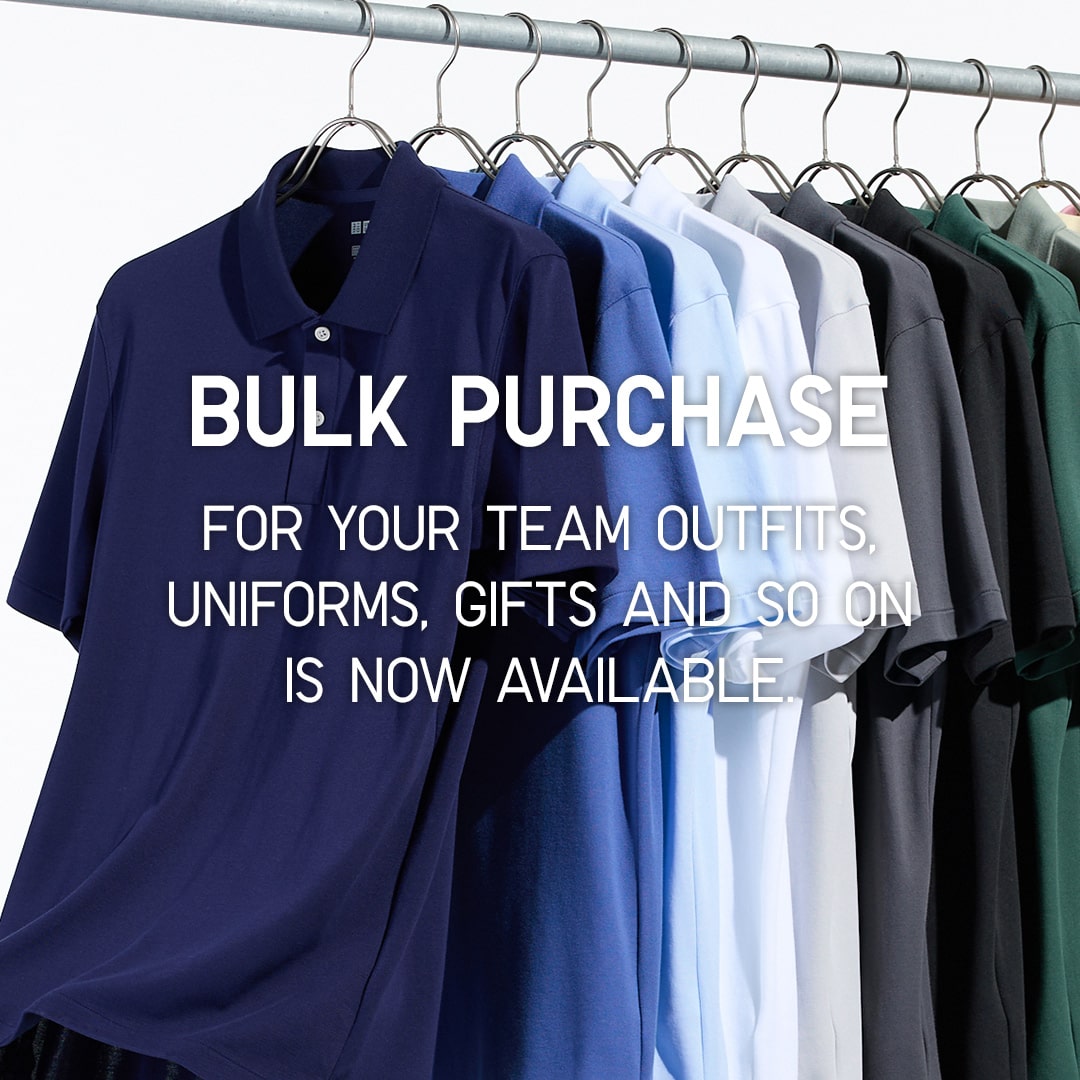
Bulk Purchase
UNIQLO LifeWear as your new uniform. This is a special online service for customers who wish to order LifeWear in bulk for uniforms, events, gifts and more!
First Time Shopping in UNIQLO?
Get started with RM15* off coupon when you download the UNIQLO app. Shop seamlessly online or in-store for latest products. Take advantages of the services we offer such as Extra Sizes, Product Search, Click&Collect or Alteration for bottoms. Find out more. *Valid for first time download user only. T&C apply.
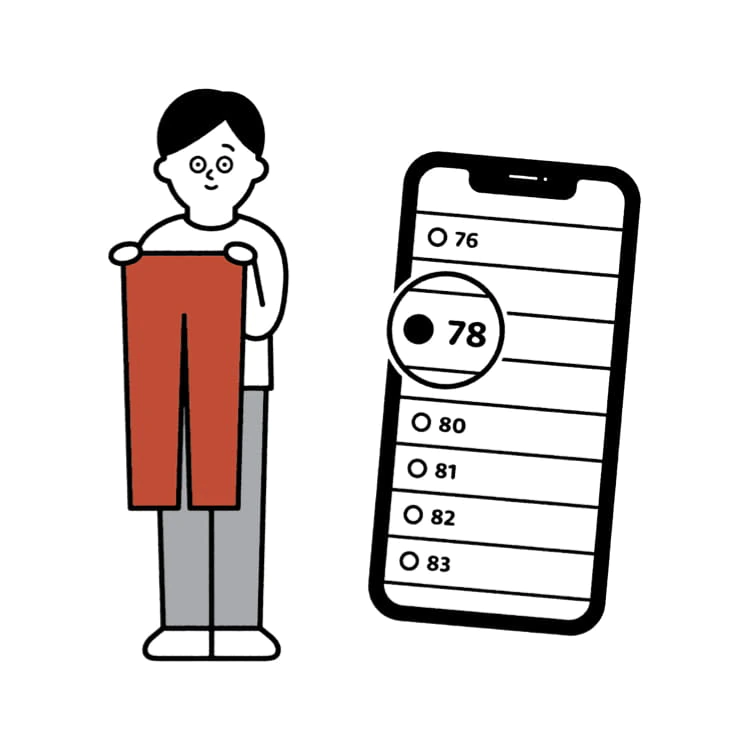
Online Alteration Service
You can now alter your favourite pants online, and get them delivered to your doorsteps. No muss, no fuss.